Chick Daily Dashboard The private dashboard for how your day is really going.
Snapshot brings calories, protein, nutrients, activity, sleep, tasks, weight and progress into one view, so you can see where the day is strong, where it is exposed and what needs attention next.
It is the command centre for the day: a fast read before you decide what to do next.
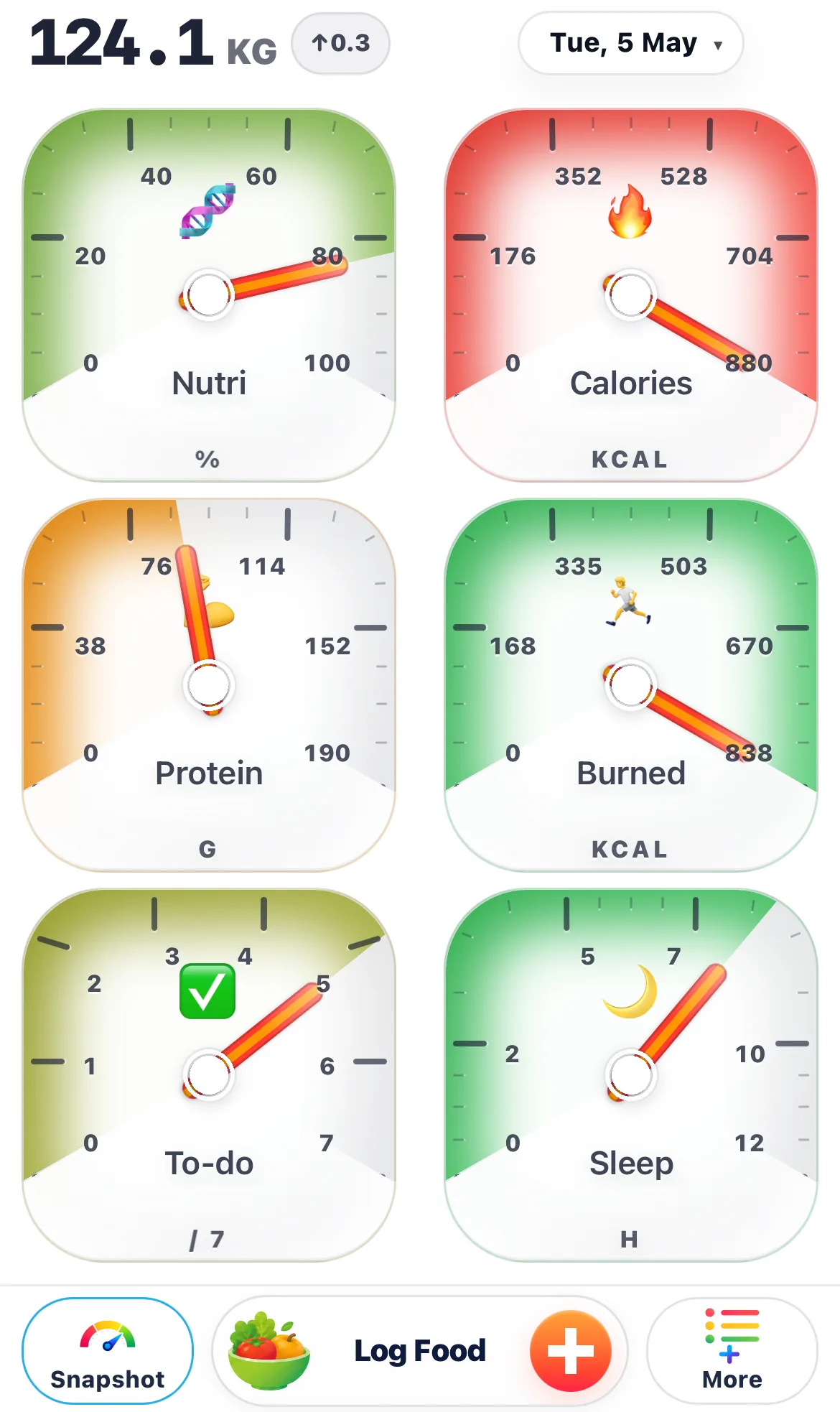
Snapshot turns the day into something you can manage.
Instead of opening separate pages for food, protein, nutrients, training, sleep and tasks, Chick brings the biggest signals together. That lowers noise and makes decision-making faster.
A good snapshot makes the day less vague. You can see whether the issue is calories, meal quality, low protein, low activity, poor sleep or weak structure.
- Useful in the morning before the day runs away.
- Useful again when hunger or schedule pressure starts to drift.
- Useful before choosing the next meal, action or adjustment.
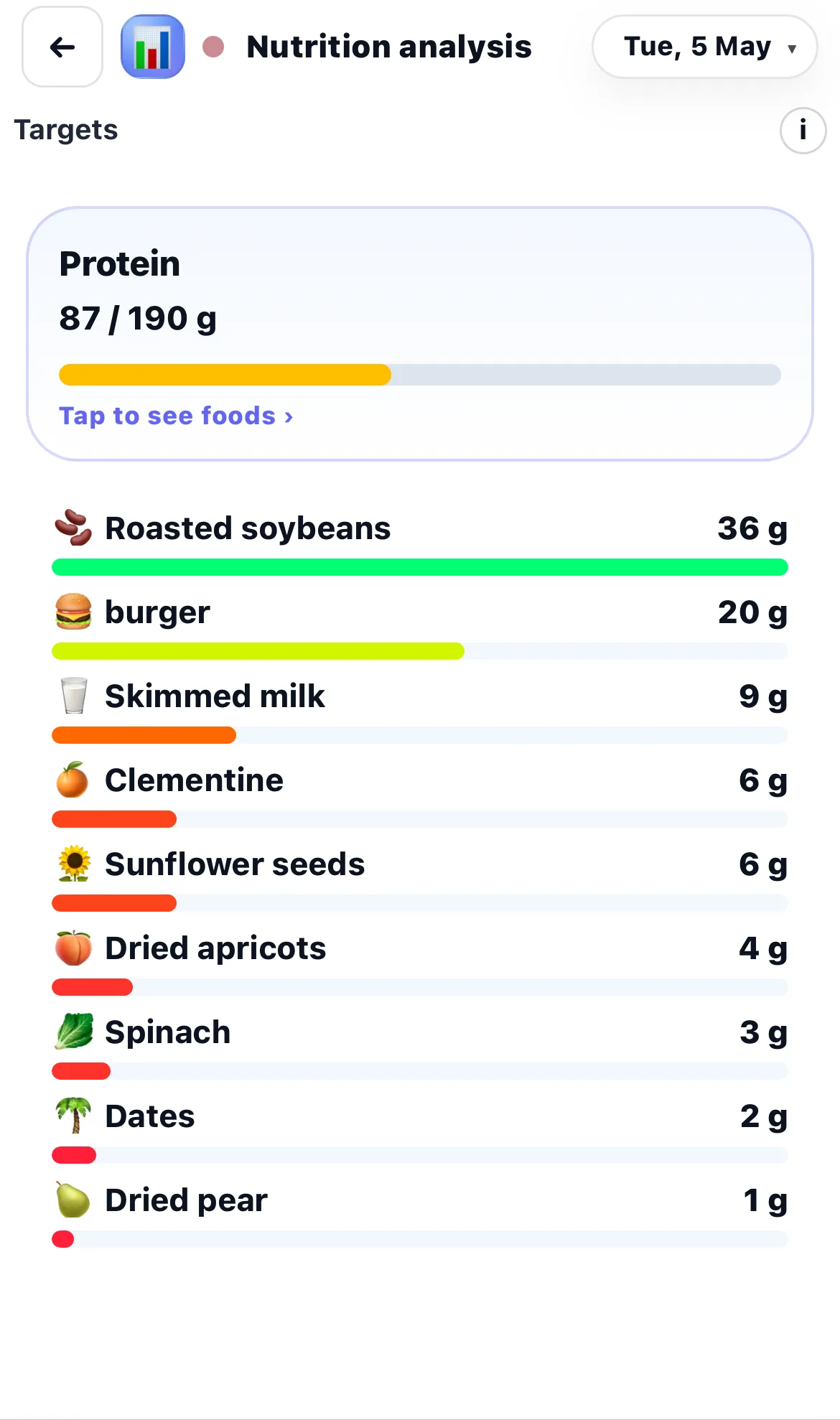
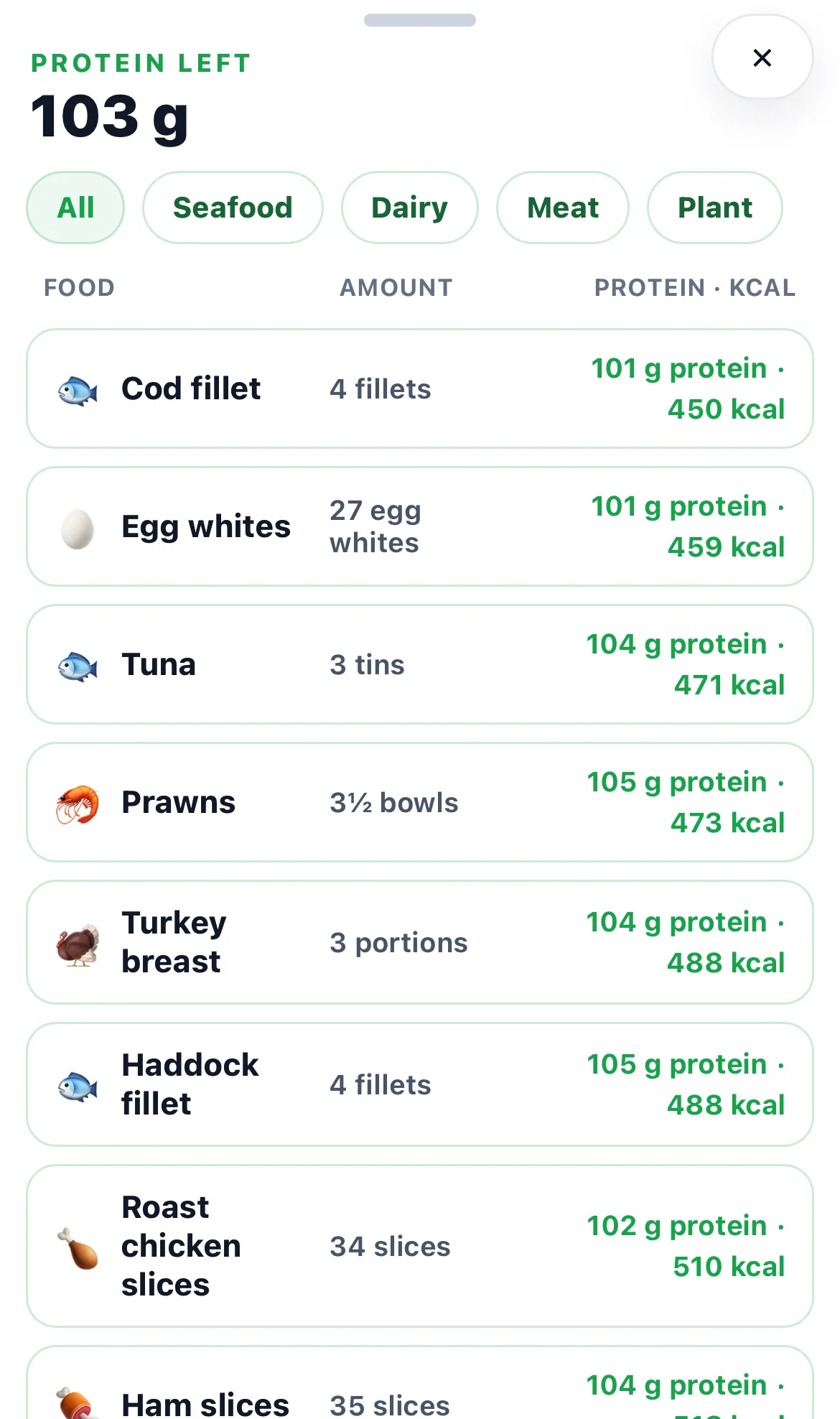
The numbers only matter when they change the next decision.
A low protein gauge is a cue to build a better next meal. Weak nutrients can explain why a low-calorie day still feels poor. Poor sleep or no activity changes what a realistic day should look like.
That is why Snapshot is useful. It helps you interpret the day instead of reacting to one isolated number.
- Calories are not the only story.
- Protein and nutrients affect fullness, energy, and recovery.
- Activity, sleep and structure affect what the next decision should be.
Snapshot tells you where to go next.
If protein is low, go to Protein or Nutrients. If meals are missing, go to Logging or Food Choice Guide. If the day needs more structure, go to Tasks, Calendar or Training.
That makes Snapshot the best starting page because it points to the next useful section instead of leaving you to guess.
- Go to Logging when the record is incomplete.
- Go to Nutrients or Protein when meal quality is the issue.
- Go to Tasks, Calendar or Training when the day needs structure.
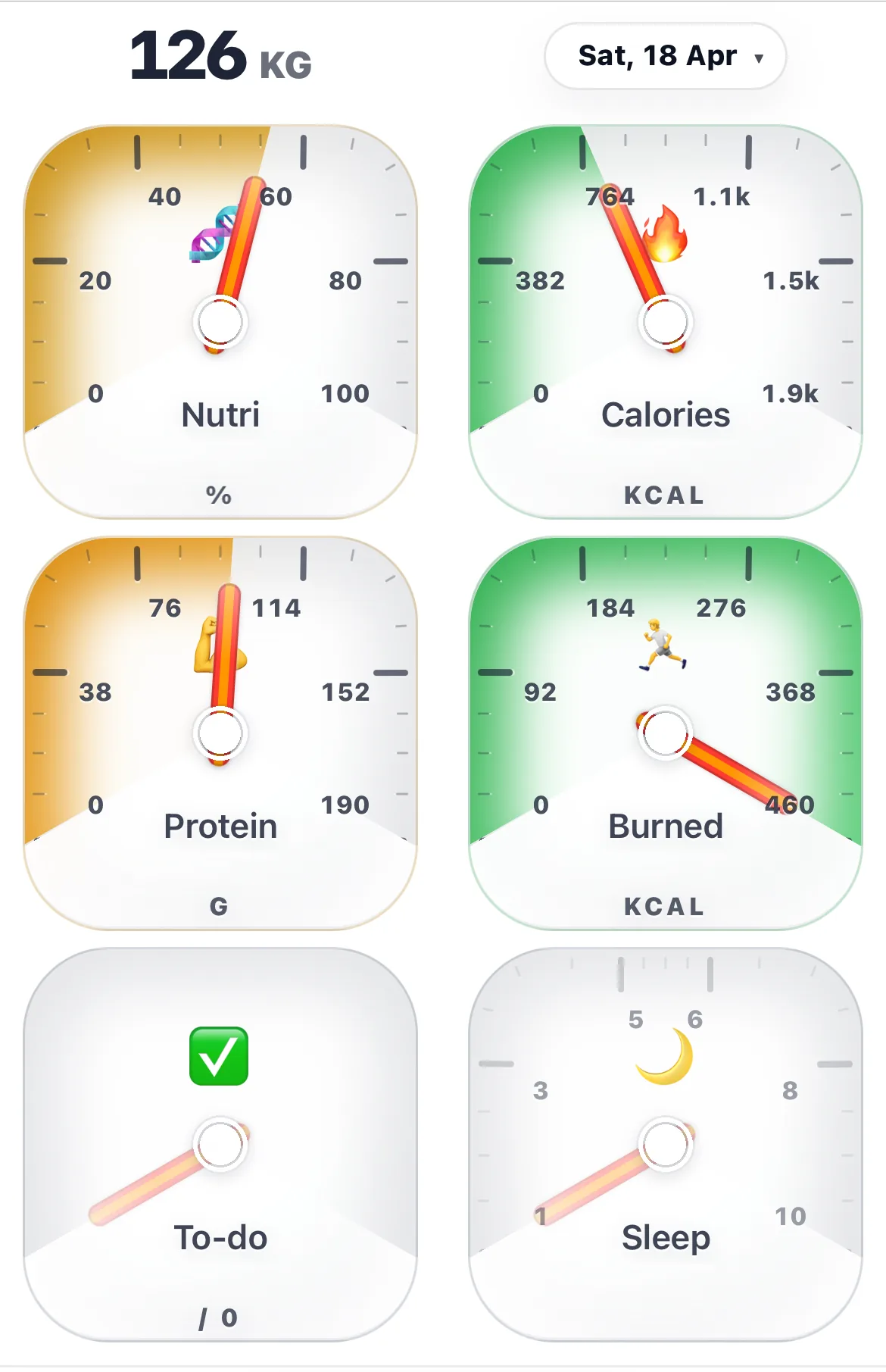
Keep the day visible on your wrist and Home Screen.
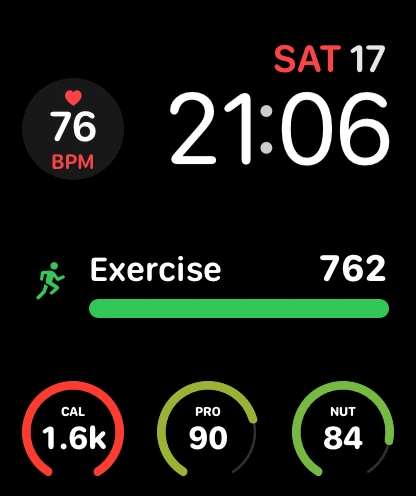
Chick carries the same daily language into Apple Watch and iPhone widgets. You can keep a selected gauge visible, glance at progress without opening the full app, and tap back into the Chick area that needs attention.
On Apple Watch, the gauge set includes Nutrition, Calories, Protein, Exercise, To-do and Sleep, with Weight available as a Chick metric too.
After Snapshot, the most useful pages are Logging and Nutrients.
If Snapshot shows missing meals, go to Logging. If Snapshot shows weak food quality, go to Nutrients.